
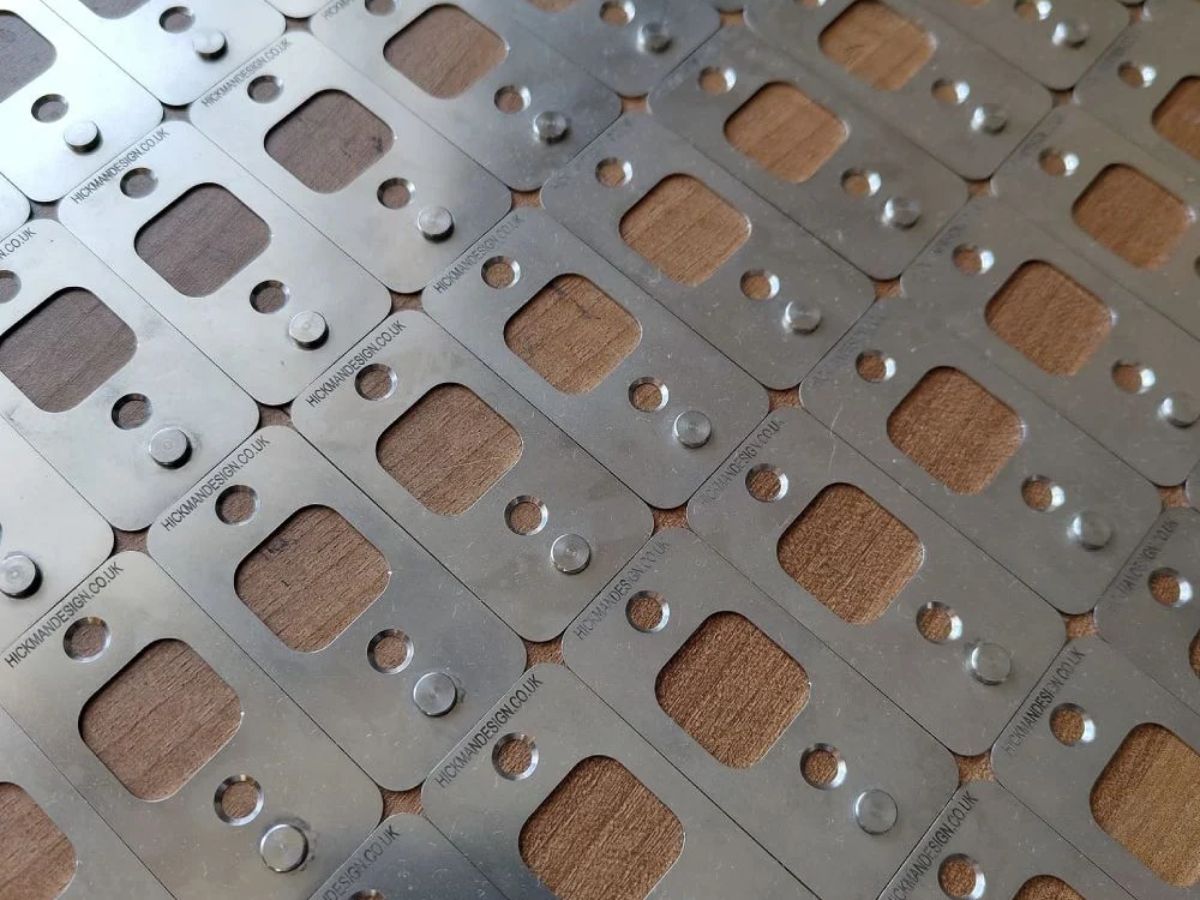

Printing several colours is one of the enjoyable next steps in lino printing. The challenge is getting each layer to line up. A registration setup helps you return the paper and block to the same places each time you print.
Pins and tabs, corners and registration boards offer different ways to do this. In this guide, we explain how each works, what to check before buying and how to choose a setup for reduction or multi-block printing.
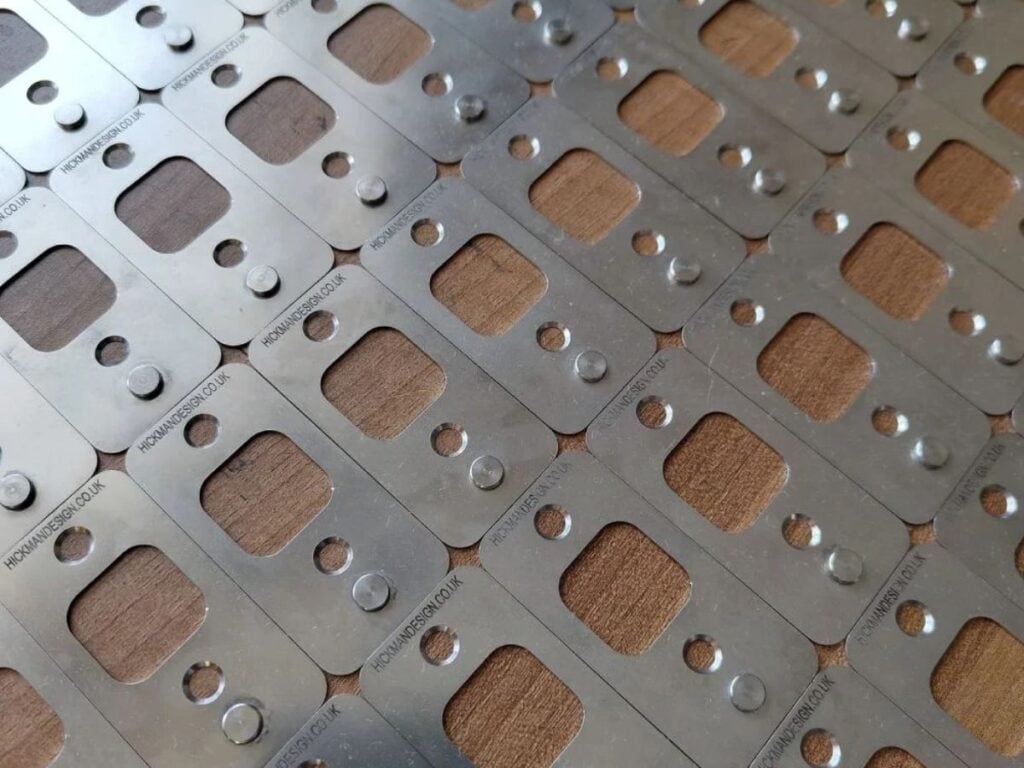
Registration create repeatable reference points for the sheet and the block, with the use of Mylar tabs.
Table of Contents
A quick comparison of registration systems
| System | What it does | Useful when | What to check |
|---|---|---|---|
| Pins and tabs | Help return each sheet to fixed pins. | You want a reliable setup you can arrange to suit different paper and block sizes. | Matching pin and tab dimensions, attachment and press clearance. |
| Registration corners | Give you edges for lining up the block and paper. | You want simple borders or a quick, low-cost setup for proof printing. | Border allowance, consistent corner contact and secure fixing. |
| Registration board | Holds the block in a consistent position. | You want a preconfigured frame for consistent printing, especially for beginners or workshops. | Board size, insert fit, paper positioning and press capacity. |
Registration pins: a flexible setup for different print sizes
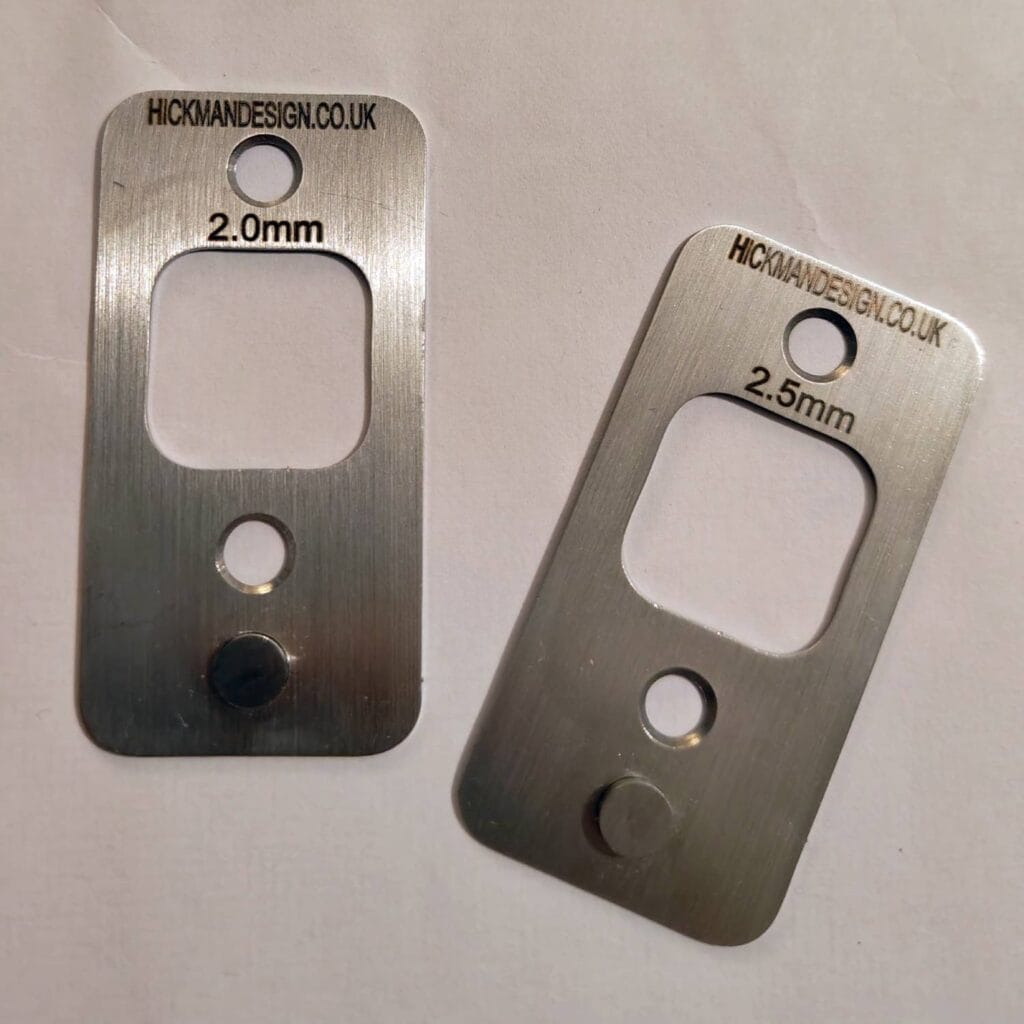
Registration pins take a little more time to set up, but give you the freedom to arrange them to suit your paper and block sizes. You choose where the pins sit on your work surface, rather than working within a fixed-size frame.
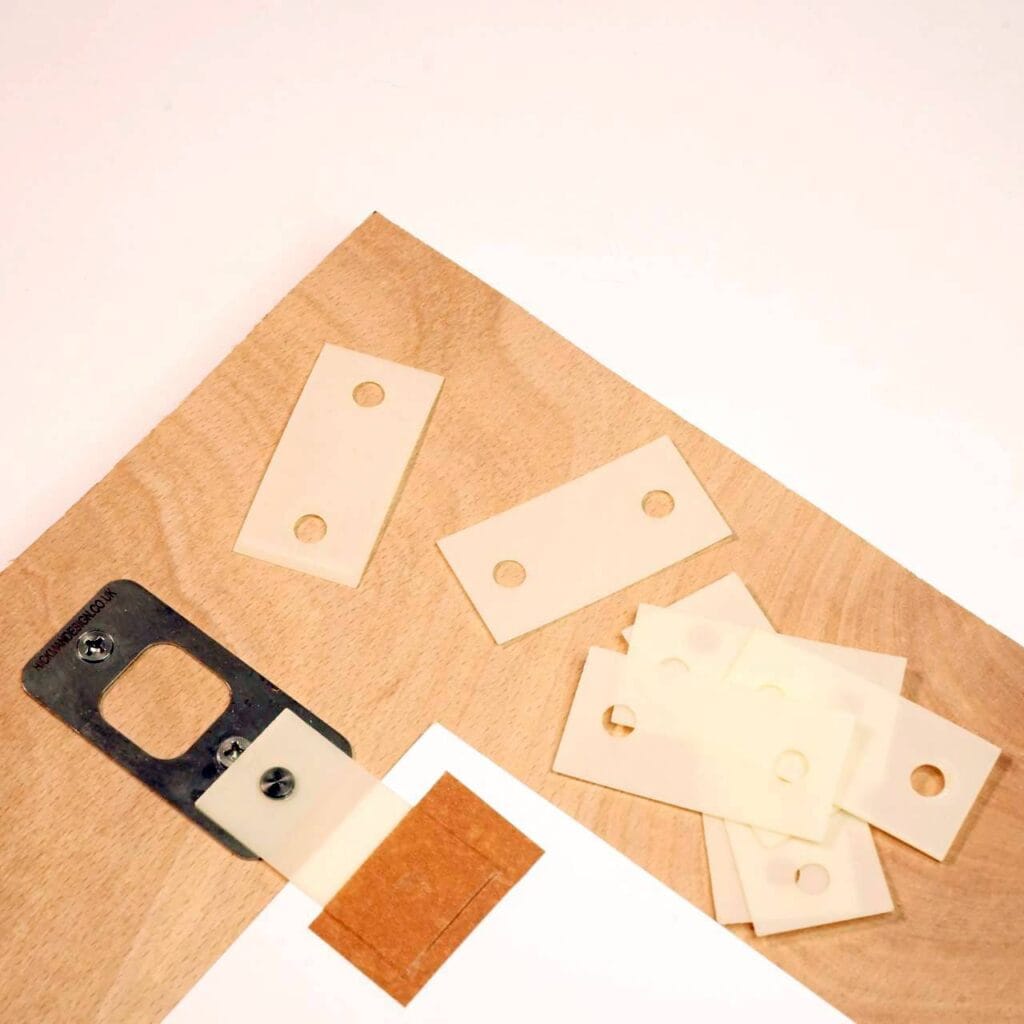
Tabs attached to the paper fit over the pins, helping each sheet return to the same position for every colour. Once everything is fixed securely, this makes a reliable setup for repeated printing. Our strong two-hole registration tabs are designed to work with Hickman Design pins and stand up to repeated use.
Keep the block in a fixed position too, allow room for the tabs around your paper and check the fit of any components from other systems. For press printing, check the pin height and clearance. Our registration-pins tutorial explains the setup, and the product demonstration shows the pins in use.
Registration corners: simple borders and quick proofs
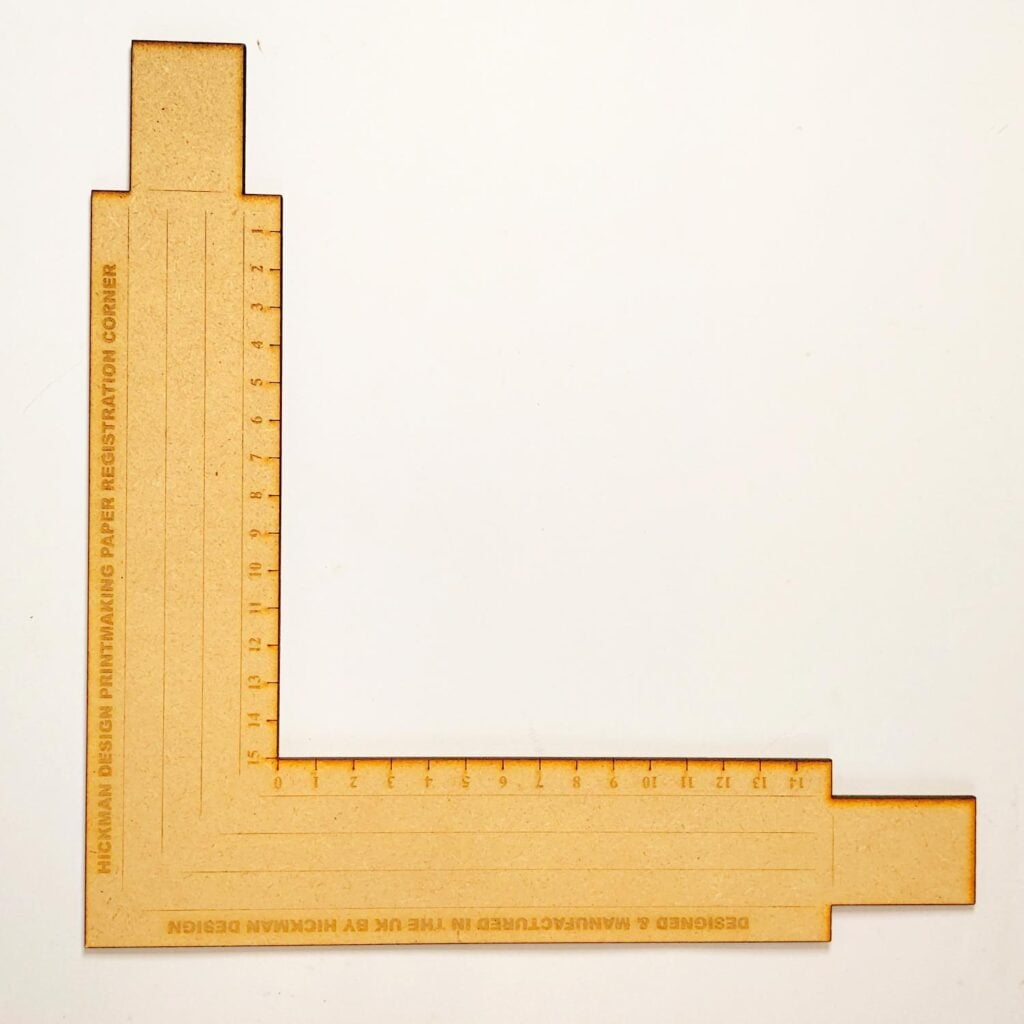
Corners provide reference edges and help plan an even border around your print.
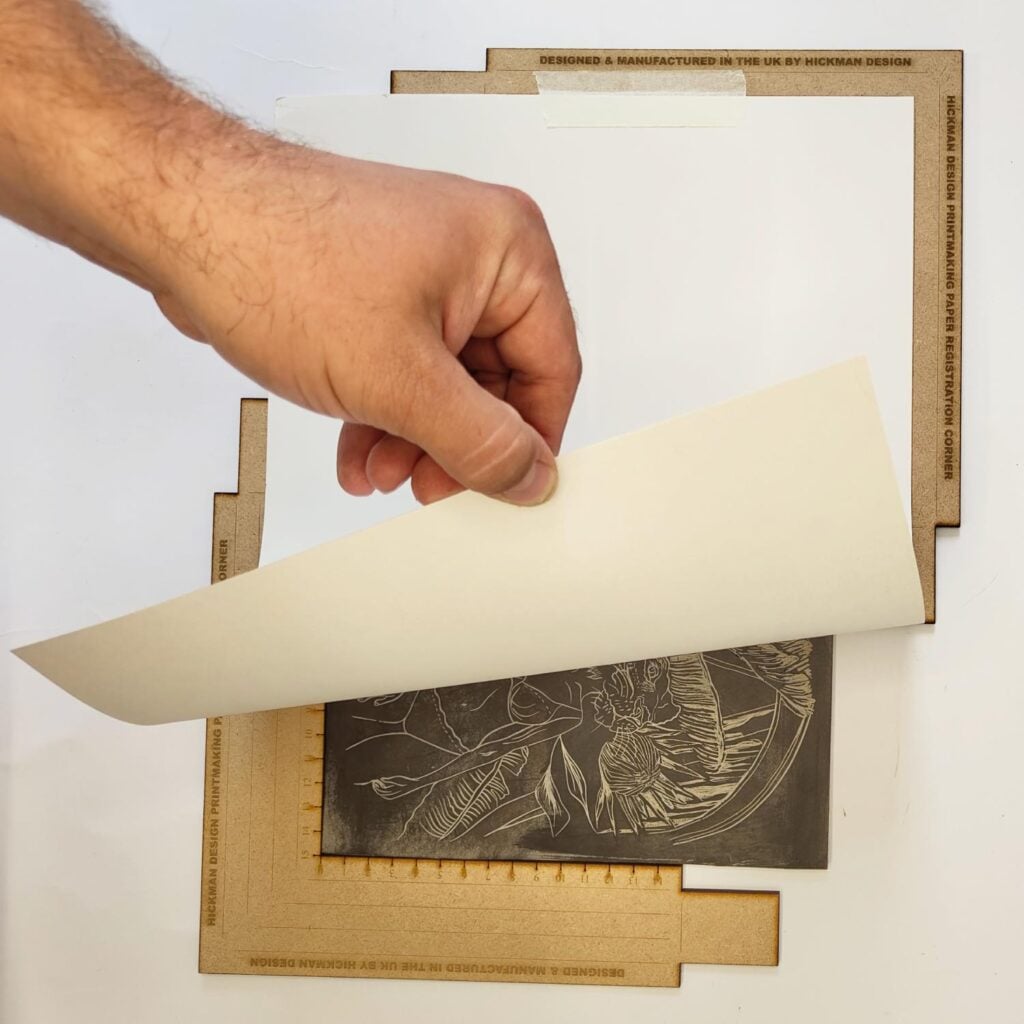
Paper registration corners are a simple, low-cost way to line up your block and paper and plan an even border. The L-shaped rulers give you edges to work against, with measurement markings to help position the image.
They also make a handy registration setup for proof printing, when you want to check a design without attaching tabs to every sheet or preparing a full board setup. Fix the corners securely, then bring the paper gently against the same reference edges each time.
Keep the block steady and the sheet flat as you print. Watch our corners demonstration to see how they work.
Registration boards: a simple setup for consistent printing
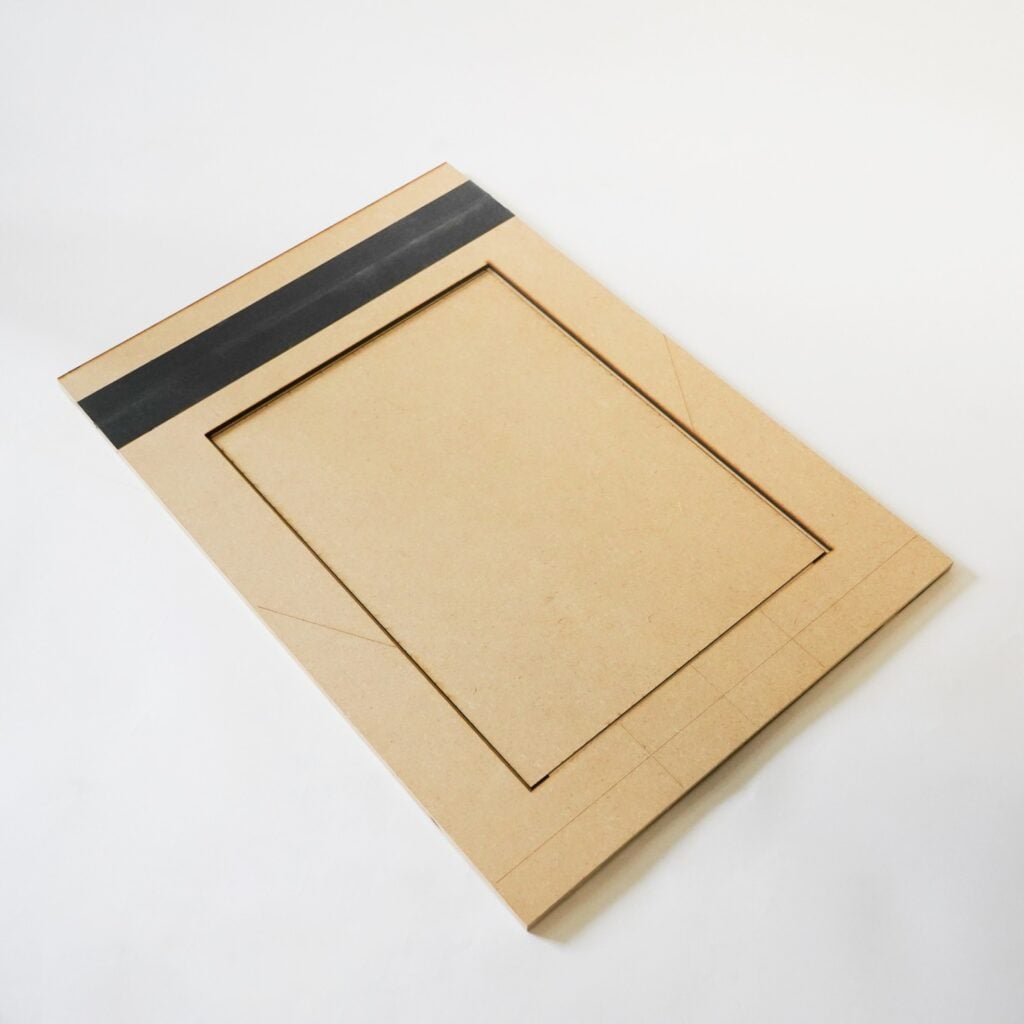
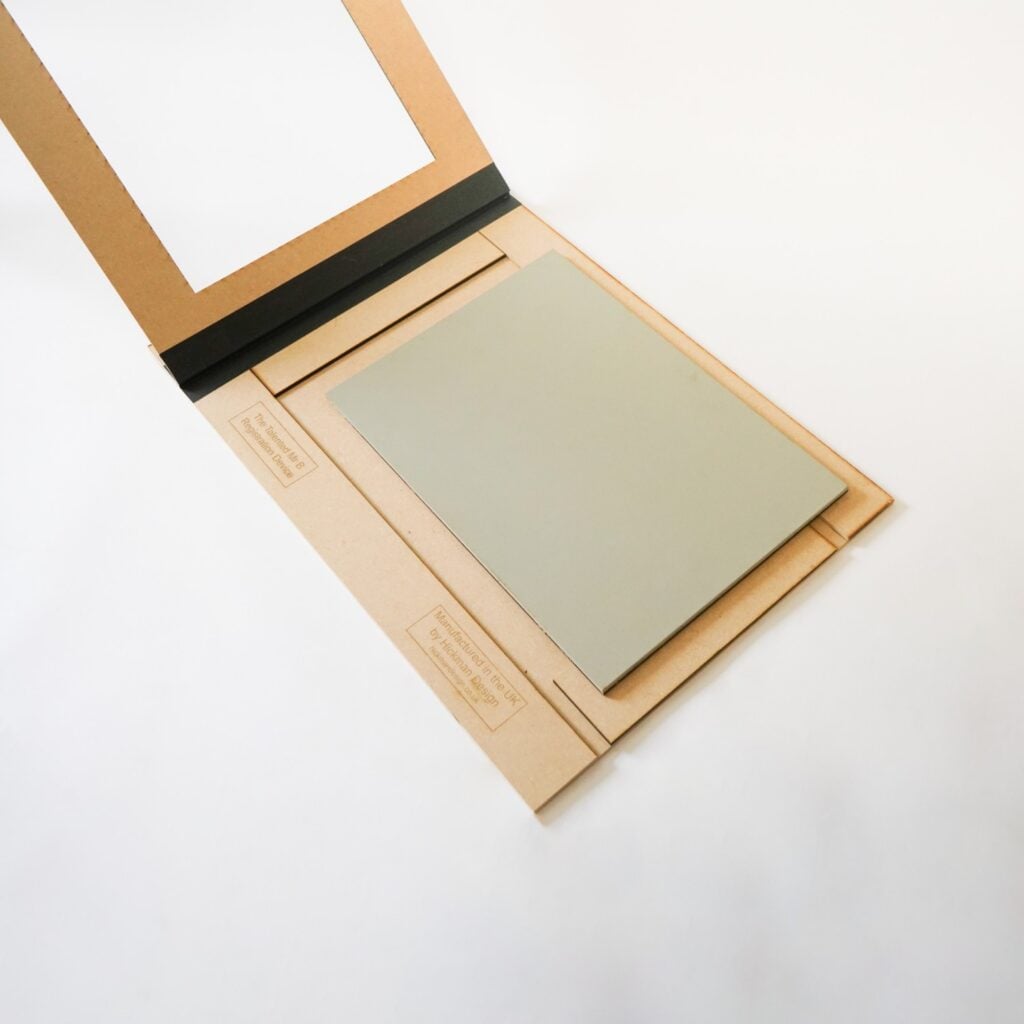
The Talented Mr B registration board is a useful choice for beginners and workshops. Its strong, well-made frame is already configured for a particular block size, so there is less time spent measuring and arranging a registration system from scratch.
Once your block and insert are prepared, the frame helps you return them to a consistent position between colours. This makes it easier to get started and to demonstrate registration to a group, with a straightforward setup learners can repeat.
Choose the board size and inserts to match your blocks, and follow the supplied instructions for positioning the paper. If you use a press, check the bed size and clearance too. Our Talented Mr B size and insert guide explains the options.
Reduction or multi-block printing?
Reduction printing uses the same block for every colour. You print a layer, carve away more lino, then print the next colour. Print all the sheets you need, plus a few spares, before carving again. Once the lino is removed, you cannot reprint that earlier layer.
Multi-block printing uses a different block for each colour. Each block needs to line up with the paper in the same place. Use blocks of the same size and thickness, and mark which way round they go to make swapping between them easier.
Our guide to multicolour lino printing explains both methods and helps you plan your colours.
Before you start printing
- Secure your pins, corners or board so they stay in place.
- Check that your paper fits, with room for the border and any tabs.
- Make a test print to check that the colours line up.
- If you use a press, check that your setup fits and adjust the pressure as needed.
A little time setting up makes printing each sheet easier. Choose the system that suits your project from our colour registration tools, or follow our registration pins guide for help getting started with pins and tabs.